Agefield High Rock the School Agefield High Tools Hub
Checklists and helpers for organizing your Rock the School playthrough.
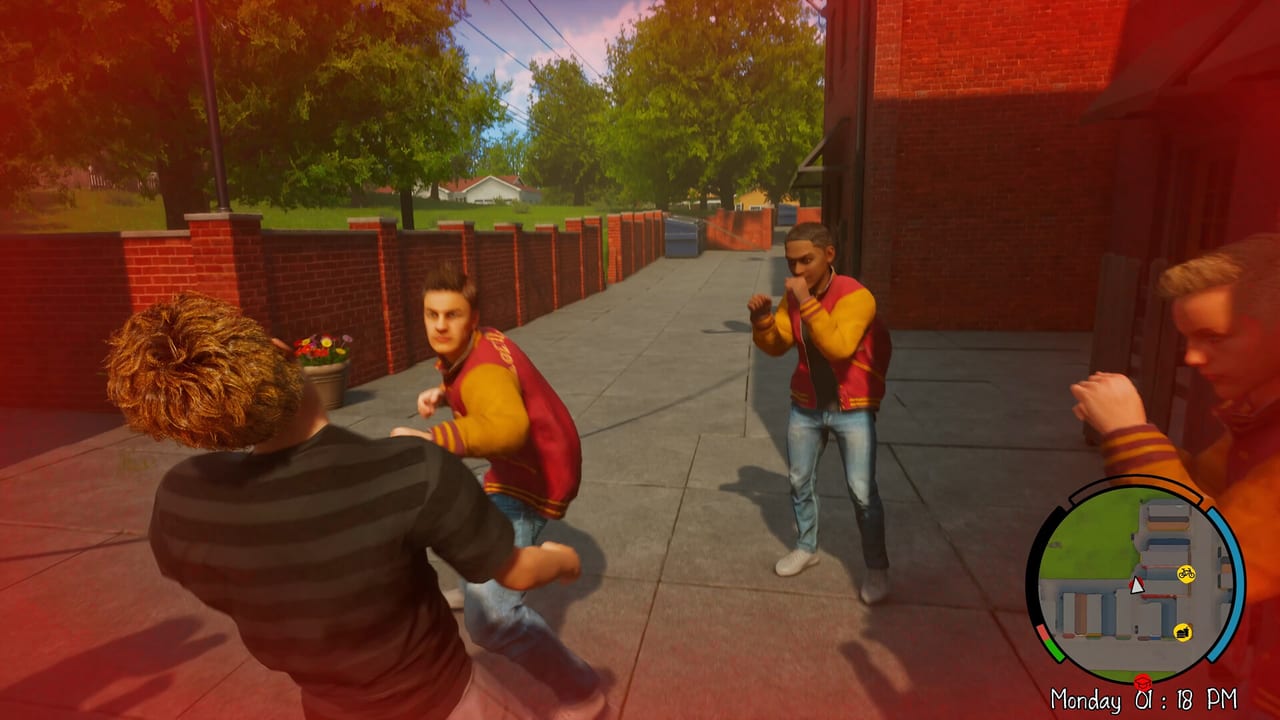
Long-term school sandboxes reward planning: which classes boost income, when to risk truancy, which side missions pay before bike upgrades, and how to leave room for a second ending run. The Tools Hub hosts interactive helpers that complement narrative guides without duplicating them — because mental spreadsheets fail around mission twenty when afternoon clocks and grade curves stack.
Agefield High’s confirmed structure — five lesson types, thirty-two main missions, fifteen side activities, two endings, compact map — is exactly the kind of campaign where lightweight tracking beats replaying hours to remember what you skipped.
Flagship tool: Senior Year Checklist
The flagship tool today is the Senior Year Checklist — a page-local interactive checklist you tick as you progress. It groups milestones drawn from confirmed facts: attendance rows for English through Music, money goals for Shops Guide purchases, map districts from World Overview, main versus side progress, and both endings noted in Endings Guide.
Progress saves in browser local storage on the tool page — no account, no cloud sync, consistent with static wiki hosting on Cloudflare Pages.
How tools relate to guides (read both)
Checklists do not replace reading. Use Getting Started and School System first so checkbox labels make sense. Map exploration rows point to School Campus and Town Neighborhoods; combat rows link Combat Tips when optional fights appear during side content from Side Missions.
Money rows sync with How to Earn Money thresholds — grades versus gig payouts — while customization rows mirror Bikes and Customization. Character social beats reference Kale and Axel when optional friendship flags are verified post-launch.
Player pain points tools address
Lost afternoon opportunities — Without tracking, players forget side markers that only appear on specific weekdays. Checklist sections for side activities reduce “did I already do that?” paranoia.
Second ending planning — Two endings mean two runs or careful branching. Ending prep rows tie to Endings Guide once triggers are verified — generic rows exist pre-launch without fabricated spoiler steps.
Spending regret — Money rows force explicit bike-versus-cosmetic priorities before you blow grade stipends on tattoos.
Truancy confusion — Skip-class experiments get notes so you remember which days you tanked GPA for a mission.
Pre-release honesty and post-launch expansion
Because Agefield High remains upcoming until August 12, 2026, checklist items reflect confirmed structure, not leaked mission names. After PC launch, community verification fills granular rows without resetting your saved ticks if we version carefully.
Future tools — grade calculators, truancy heat timers, bike route optimizers — depend on datamined or official values. Announce additions on Updates Hub. We will not ship guesswork calculators that mislead planners.
Export checklist state is not planned; screenshot your ticks before browser cache clears if you marathon both endings in one weekend.
Console and mobile companion use
Console players waiting for PlayStation, Xbox, or Switch ports later in 2026 can still use checklist planning on phone browsers during loading screens — see Platforms and Release. Pad-specific reminder rows may arrive when official layouts publish in PC Controls console sections.
Review buyers can pair tools with Preview Roundup and System Requirements before committing disk space.
Related hubs
Walkthrough Hub for narrative order, Map Hub for district discovery, Items Hub for shopping goals, Review Hub for buy decisions. Tools sit at the center as your progress layer — guides explain the game; checklist remembers what you did.
When dataminers publish grade formulas after launch, this hub becomes the home for calculators that checklist users request first. Until then, Senior Year Checklist remains the authoritative interactive tool.
Workflow tips for two-ending players
Run one ending with checklist notes on skipped classes and side rows, then start a fresh file or checkpoint for the alternate finale per Endings Guide once triggers are public. Screenshot checklist state between runs — local storage does not sync across devices. Pair paper notes if you play PC first and companion-checklist on phone during a later console replay.
Static-site limitations (by design)
Tools intentionally avoid accounts and databases to keep hosting simple on Cloudflare Pages. That means no cross-device sync and no leaderboards — acceptable tradeoffs for a single-player comedy adventure wiki. Feature requests belong in community feedback channels, not assumed roadmaps here.
Frequently Asked Questions
Quick answers to the most common Agefield High questions.
Does the Senior Year Checklist save progress?
The interactive checklist stores ticks in your browser local storage on the tool page. Clearing site data resets progress.
Is an account required?
No. Tools are static-site friendly with no login, matching the rest of this wiki.
Will more tools be added?
Yes, when verified game data supports calculators or timers. Watch the Updates Hub for announcements.
Can I use the checklist before launch?
You can pre-read sections to plan a day-one route, but mission-specific rows expand after verified gameplay details post-launch.
Do tools work on mobile?
The checklist is touch-friendly for phone browsers during couch sessions away from PC.