Agefield High Rock the School Senior Year Checklist — Agefield High
Interactive checklist for classes, missions, money, and both endings.
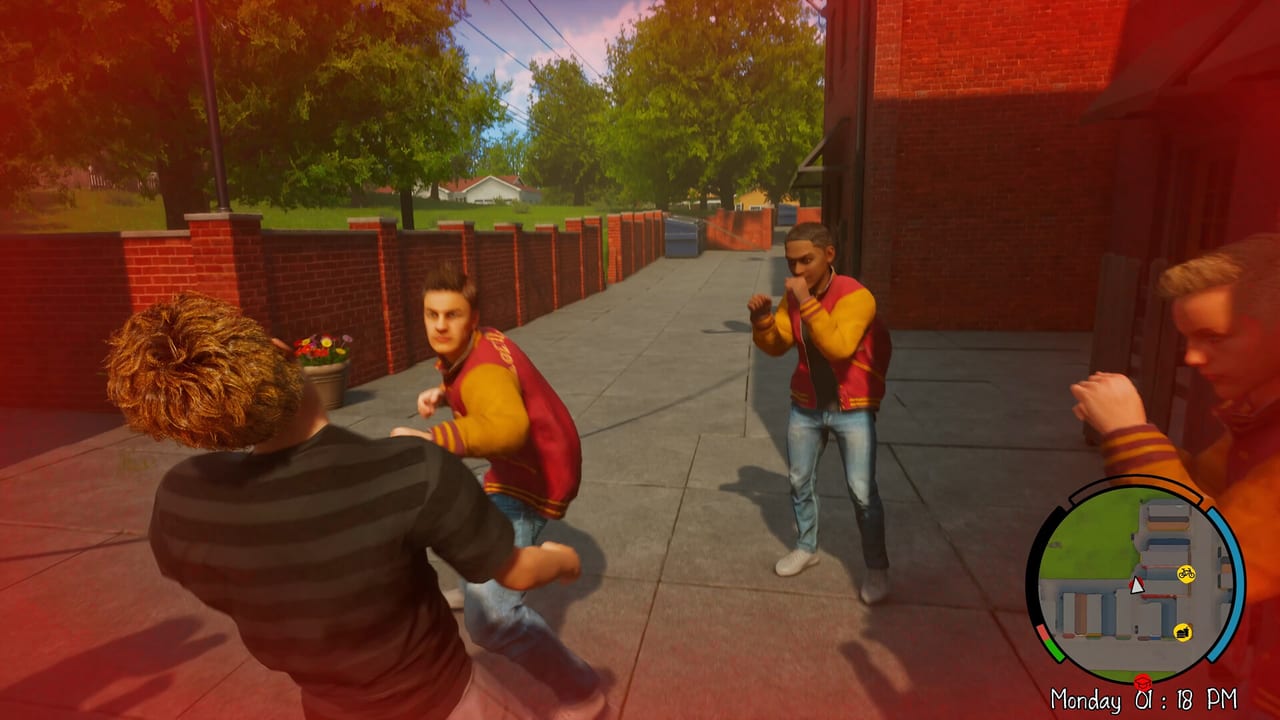
Use this Senior Year Checklist to organize your Agefield High: Rock the School playthrough without juggling mental notes across thirty-two main missions, fifteen side activities, five school subjects, two neighborhoods, a town center, countryside trips, and two endings. The checklist is interactive on this page: click rows to toggle completion; progress saves in your browser’s local storage until you clear site data.
Refugium Games’ August 12, 2026 PC launch may adjust mission names — rows update on Updates Hub while preserving your ticks when possible. This article explains how to use the tool; the live checklist UI sits below the body on the generated page.
How to use the interactive checklist
- Open this page before or during play sessions on PC (Steam app 3562580) or after console ports arrive per Platforms and Release.
- Expand sections below the article body on the live tool page — Getting Started, School Week, Money and Shops, Map Districts, Story Progress, Endings Prep.
- Click a row to mark complete; strikethrough styling confirms the toggle saved locally.
- Cross-link detailed guides when a row needs context — e.g., School System Guide for attendance rows, Shops Guide for purchase rows.
No account login required — consistent with static wiki hosting.
Interactive tool
Senior Year Checklist
Orientation
School week
Money and shops
Map districts
Story progress
Endings prep
Suggested checklist sections (conceptual)
Orientation — Finish Getting Started; confirm PC Controls comfort; read Preview Roundup if humor tolerance is uncertain.
School loop — Attend English, Math, Geography, German, Music; note intentional skips via Skip Class Guide. Class minigame fatigue reported in previews makes attendance rows worth explicit tracking.
Economy — Grade income and side gigs from How to Earn Money; buy entry bike from Bikes and Customization; log tattoo or gag purchases separately so you see mobility spending clearly.
Map — Tick School Campus, both neighborhoods, town center, and countryside from World Overview. District rows prevent assuming you fully explored when story rails guided you on rails.
Story — Track main beats via Story Overview and Early Game Walkthrough; optional Side Missions Guide rows for all fifteen activities.
Social/combat — Note friendship scenes with Kale and Axel and major fights from Combat Tips. Cast Overview adds NPC context for optional rows post-launch.
Finale — Plan both endings using Endings Guide verified triggers when available post-launch. Generic “ending A / ending B prep” rows exist now without leaked choices.
Why checklist beats memory for this game
Eight to ten hours sounds short until you stack school schedules, fifteen optional activities, and shopping goals. Players who skip tracking often finish one ending unaware they missed side content required for achievements if Steam lists them at launch.
Second runs for the alternate ending benefit from checklist diffs — note which classes you skipped on run one, which side gigs you ignored, and whether cosmetics carried saves might affect presentation flags (unverified).
Pre-release honesty on row granularity
Mission-specific checkboxes stay generic until verified names exist — we refuse fabricated spoiler rows. After launch, community confirmation fills granular entries linked from Walkthrough Hub.
Mobile browsers work for couch tick-offs away from your desk during console load times later in 2026.
Sharing progress with friends
Because checklist state is local-only, co-streamers or friends playing separately cannot sync ticks online. Share screenshots or duplicate checklist sections manually if you compare Rock the School routes during launch week co-watch parties.
Steam Cloud may sync game saves but not this wiki tool — keep screenshots if you care about bragging rights on side mission completion percentages.
Related hubs
More calculators may join Tools Hub when dataminers publish grade formulas or truancy heat values — watch Updates Hub announcements.
Items Hub, Map Hub, Guides Hub, and Review Hub surround the checklist with depth when a row raises questions. The checklist is the spine of your senior year — guides are the textbook.
Clear site data for this domain to reset progress, or uncheck rows manually for partial reruns. If a day-one patch reshuffles tutorials, revisit orientation rows before wiping everything — some ticks may still apply.
Frequently Asked Questions
Quick answers to the most common Agefield High questions.
Does the checklist save automatically?
Yes — toggles persist in browser local storage on this tool page until you clear site data.
Do I need an account?
No account is required. The checklist works offline after the page loads.
Will mission names appear before launch?
Granular mission rows appear after verified post-launch gameplay, not from invented spoilers.
Can I reset progress?
Clear site data for this domain or uncheck rows manually.
Is the checklist on console?
Use any device browser to track progress; console players can companion-check during loading screens.